> ## Documentation Index
> Fetch the complete documentation index at: https://docs.wapikit.com/llms.txt
> Use this file to discover all available pages before exploring further.
# AI Capabilities in Wapikit
> Explore how Wapikit leverages AI to transform WhatsApp campaigns, customer support, and insights.
Wapikit isn’t just automation — it’s an intelligent AI-native engine that **feels human**, **thinks contextually**, and **responds like your best teammate**.
## 💬 AI Auto-Replies (Beta)
Wapikit responds to customer messages **within 1 minute**, automatically.
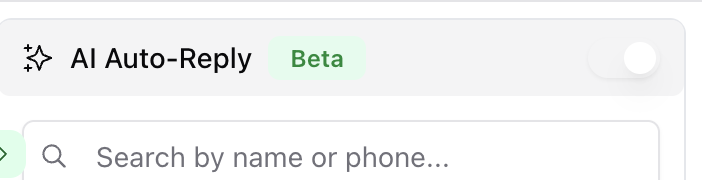 AI understands the full context of the user’s message, whether it's a query, a complaint, or an order.
Responses are tailored using customer profile memory and your business tone.
If applicable, the AI can recommend products, update orders, or route chats to a human.
AI replies are only available on Premium plans and must be enabled in Inbox manually.
***
## 🧠 Conversation Summarization
AI understands the full context of the user’s message, whether it's a query, a complaint, or an order.
Responses are tailored using customer profile memory and your business tone.
If applicable, the AI can recommend products, update orders, or route chats to a human.
AI replies are only available on Premium plans and must be enabled in Inbox manually.
***
## 🧠 Conversation Summarization

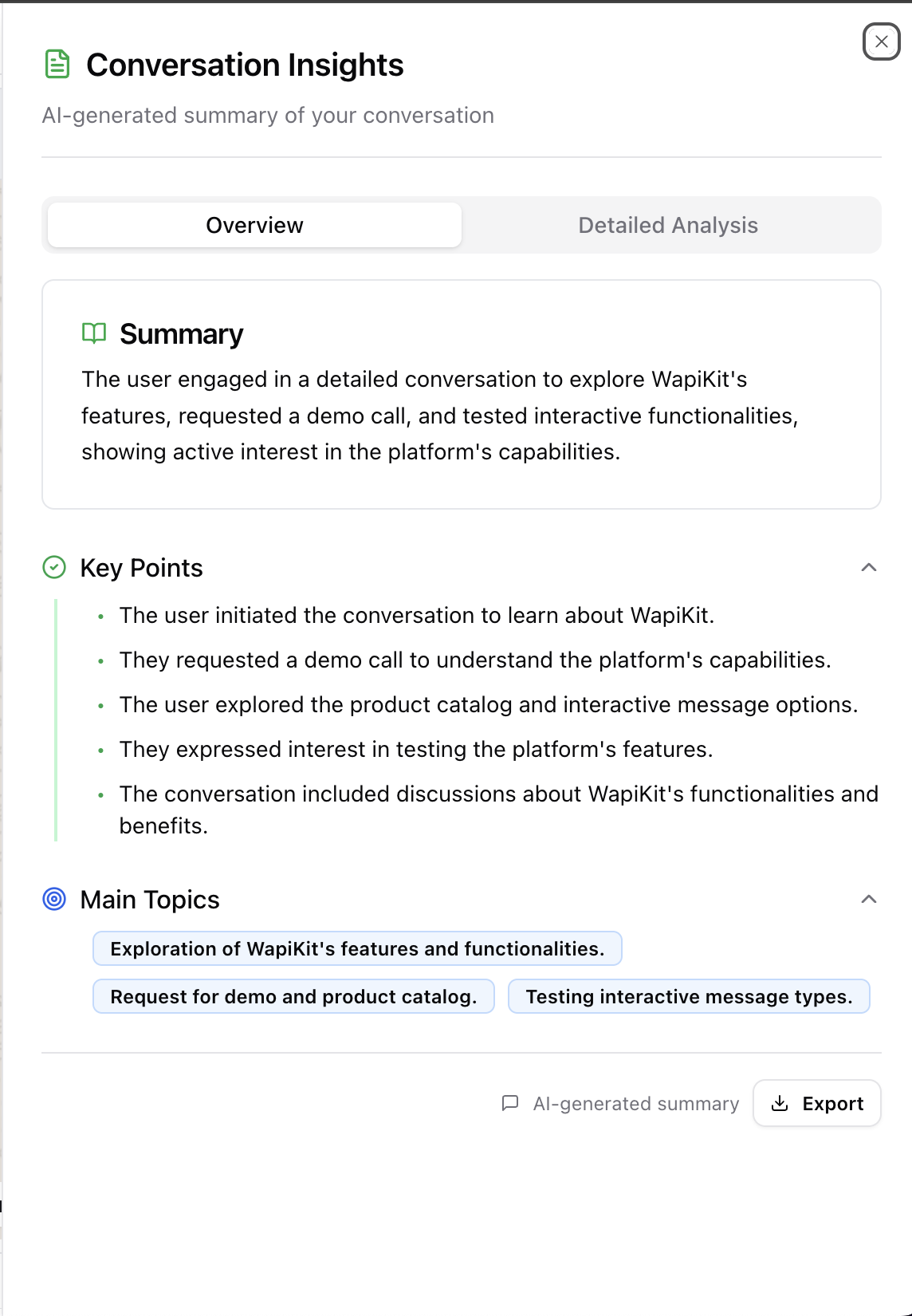 AI instantly summarizes every WhatsApp conversation:
* Pulls out key takeaways
* Labels intent and themes
* Helps team members understand context before jumping in
Every chat has a **Summarize** button — AI distills hours of chat into actionable insights.
***
## 🗂️ Smart Suggestions & AI Prompts
AI instantly summarizes every WhatsApp conversation:
* Pulls out key takeaways
* Labels intent and themes
* Helps team members understand context before jumping in
Every chat has a **Summarize** button — AI distills hours of chat into actionable insights.
***
## 🗂️ Smart Suggestions & AI Prompts
 Wapikit proactively suggests responses as you type. This helps support agents:
* Reply faster with appropriate tone
* Maintain brand consistency
* Avoid repetitive typing
***
## 📊 Campaign Insights (Coming Soon)
Wapikit proactively suggests responses as you type. This helps support agents:
* Reply faster with appropriate tone
* Maintain brand consistency
* Avoid repetitive typing
***
## 📊 Campaign Insights (Coming Soon)
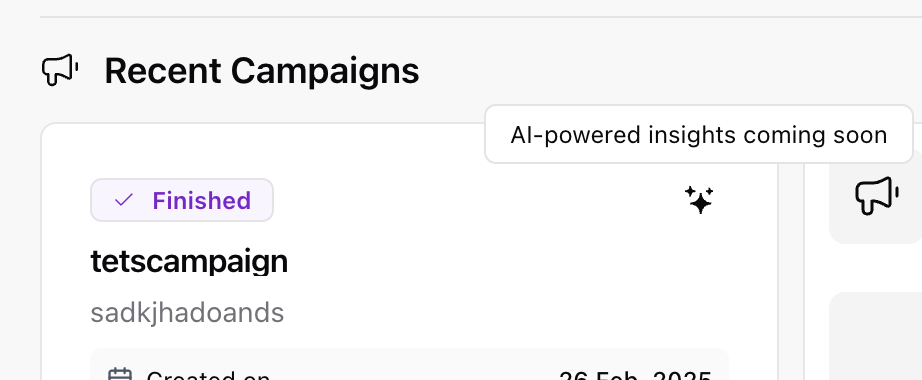 Wapikit AI will soon analyze:
* Audience sentiment
* Segment-wise performance
* CTA click heatmaps
* Time-slot conversion patterns
It’ll proactively recommend **what to fix**, **when to send**, and **how to iterate**.
***
## 🔍 Context-Aware Customer Memory
Wapikit remembers every detail:
* Customer name, past purchases, recent questions
* Preferences pulled from campaigns and messages
* Smart tagging applied based on conversations
This memory is used by the AI to keep conversations **emotionally intelligent** and **business-aware**.
***
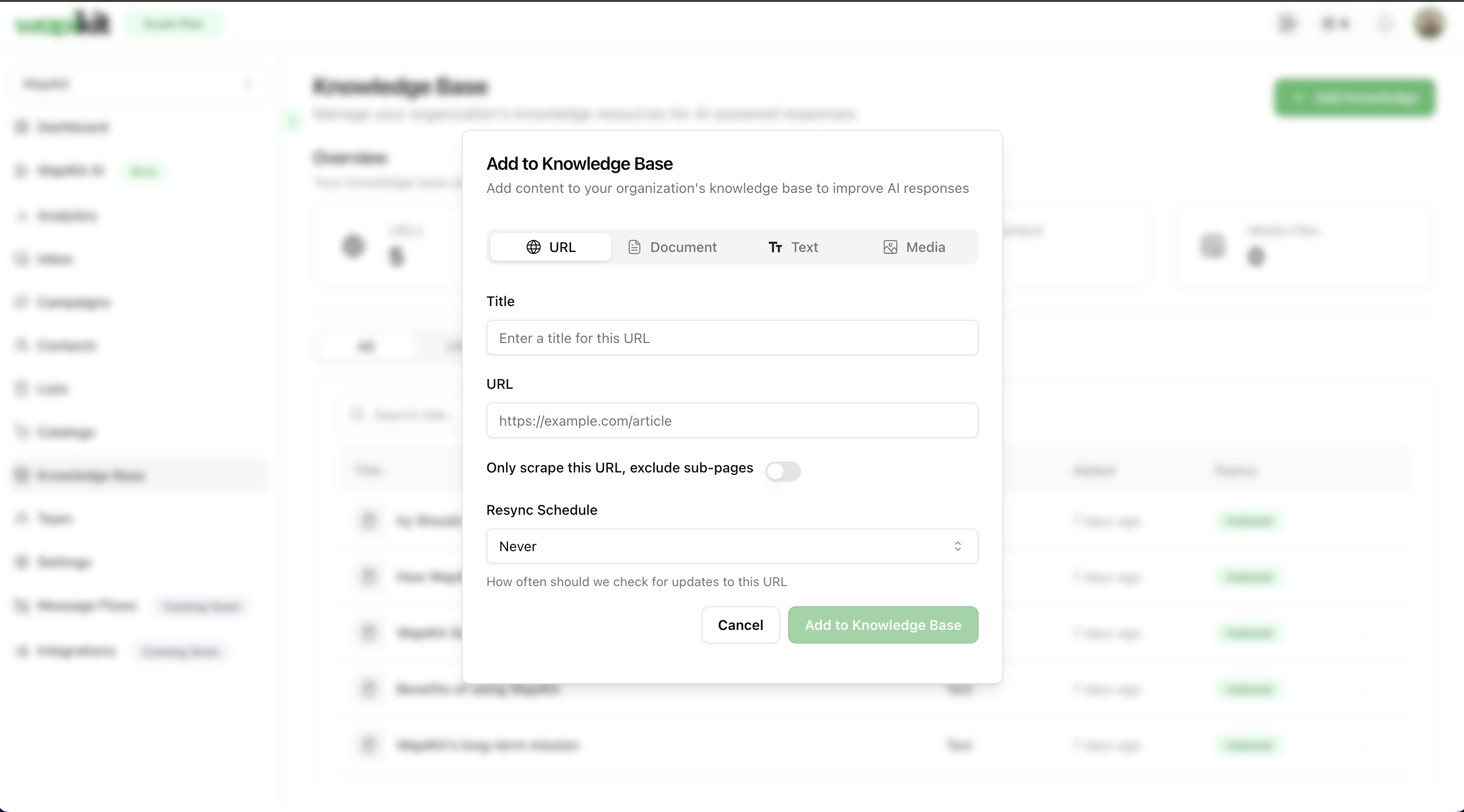
## 🧠 Powered by Knowledge Base
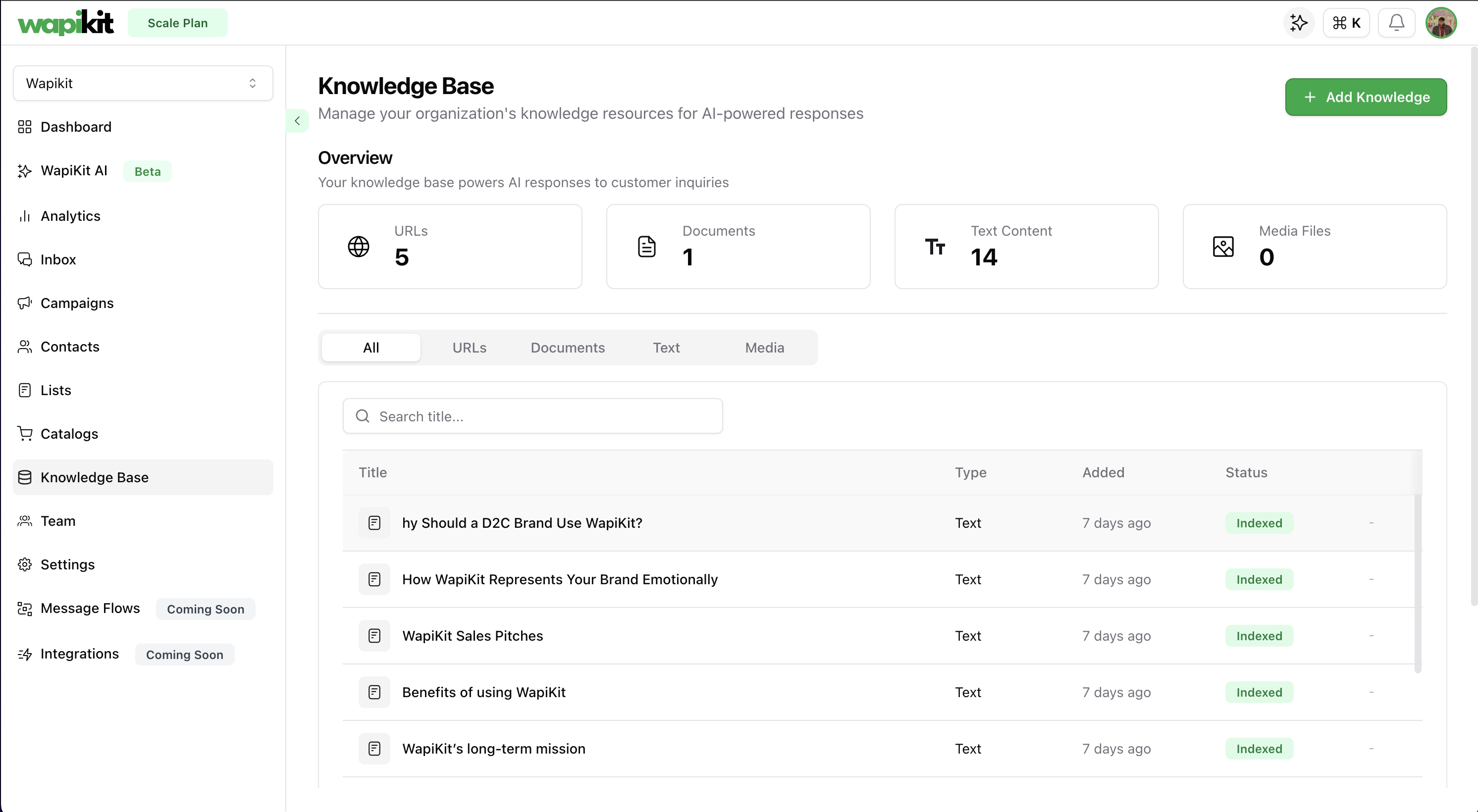
Your **Knowledge Base** feeds Wapikit AI its brain.
* Upload URLs, documents, or plain text
* AI will index and reference this for auto-replies
* Every team has a tailored KB; nothing generic
Wapikit AI will soon analyze:
* Audience sentiment
* Segment-wise performance
* CTA click heatmaps
* Time-slot conversion patterns
It’ll proactively recommend **what to fix**, **when to send**, and **how to iterate**.
***
## 🔍 Context-Aware Customer Memory
Wapikit remembers every detail:
* Customer name, past purchases, recent questions
* Preferences pulled from campaigns and messages
* Smart tagging applied based on conversations
This memory is used by the AI to keep conversations **emotionally intelligent** and **business-aware**.
***
## 🧠 Powered by Knowledge Base
Your **Knowledge Base** feeds Wapikit AI its brain.
* Upload URLs, documents, or plain text
* AI will index and reference this for auto-replies
* Every team has a tailored KB; nothing generic
 ***
## 🌟 Proactive by Design
Unlike other tools, Wapikit doesn’t wait for manual prompts. It thinks like a human:
* Notices drops in conversion? Suggests template tweaks
* Sees high bounce rate? Flags contacts and suggests segmentation
* Recurring queries? Auto-learns and creates FAQ automations
Wapikit’s AI behaves like a **full-time teammate** — always on, always learning.
***
## 📚 Related Docs
* [Conversation Engine](/guide/conversation-engine)
* [Knowledge Base Setup](/guide/knowledge-base)
* [Inbox Overview](/guide/inbox)
***
## 🌟 Proactive by Design
Unlike other tools, Wapikit doesn’t wait for manual prompts. It thinks like a human:
* Notices drops in conversion? Suggests template tweaks
* Sees high bounce rate? Flags contacts and suggests segmentation
* Recurring queries? Auto-learns and creates FAQ automations
Wapikit’s AI behaves like a **full-time teammate** — always on, always learning.
***
## 📚 Related Docs
* [Conversation Engine](/guide/conversation-engine)
* [Knowledge Base Setup](/guide/knowledge-base)
* [Inbox Overview](/guide/inbox)