> ## Documentation Index
> Fetch the complete documentation index at: https://docs.wapikit.com/llms.txt
> Use this file to discover all available pages before exploring further.
# Quickstart Guide
> Get started with Wapikit in just a few steps—connect WhatsApp, add knowledge, and launch your first campaign.
You’re just a few steps away from AI-powered customer conversations and automated WhatsApp campaigns. This guide will help you go live—fast.
***
Start by creating your account on [Wapikit](https://app.wapikit.com/signup).
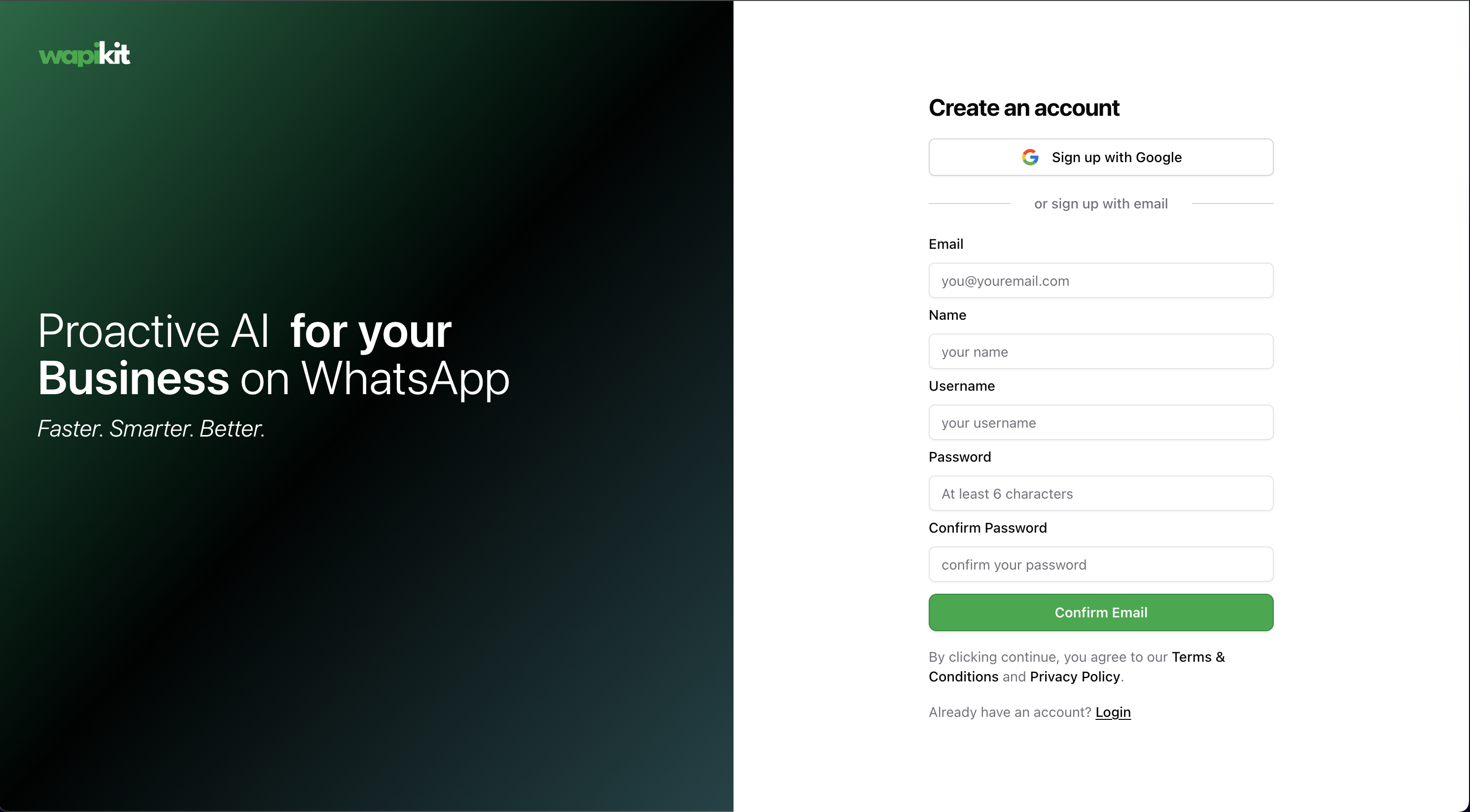 Once you sign up, follow the onboarding steps. Wapikit will collect your business website and data to personalize your setup automatically.
During onboarding—or later from your dashboard—you’ll be prompted to link your WhatsApp Business Account.
If you're stuck, follow our [step-by-step WhatsApp Integration Guide](/guide/how-to-guides/how-to-link-your-whatsapp-business-account).
We recommend reviewing the quick setup tips shown on your Wapikit dashboard.
Once you sign up, follow the onboarding steps. Wapikit will collect your business website and data to personalize your setup automatically.
During onboarding—or later from your dashboard—you’ll be prompted to link your WhatsApp Business Account.
If you're stuck, follow our [step-by-step WhatsApp Integration Guide](/guide/how-to-guides/how-to-link-your-whatsapp-business-account).
We recommend reviewing the quick setup tips shown on your Wapikit dashboard.
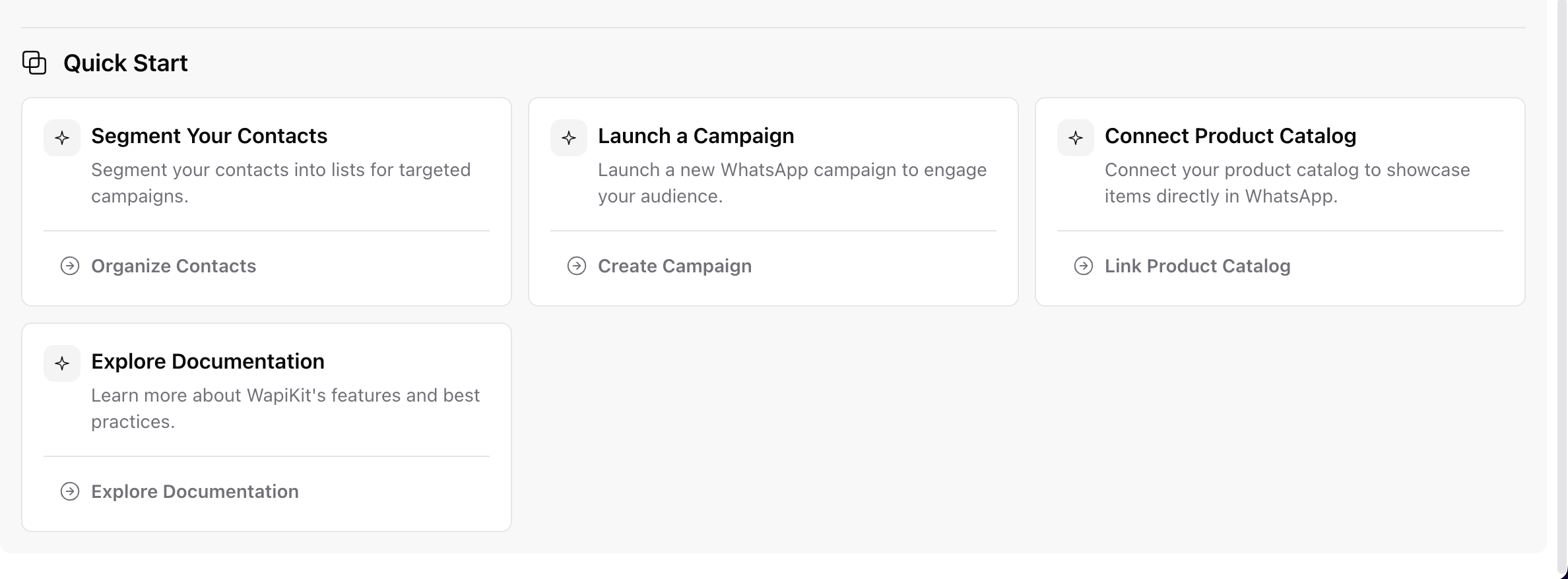 These are auto-generated based on your business context and guide you toward the next most useful actions.
Head over to the **Knowledge Base** and add your public website, help docs, or product info.
This fuels the Wapikit AI to respond with high accuracy.
The better your Knowledge Base, the smarter and more helpful your replies.
Read the [Knowledge Base Setup Guide](/knowledge-base) for full instructions.
Jump into the **Inbox** to see how Wapikit’s AI responds instantly (under 1 minute) to every customer query.
You can jump in manually anytime, assign chats, or let the AI handle it fully.
These are auto-generated based on your business context and guide you toward the next most useful actions.
Head over to the **Knowledge Base** and add your public website, help docs, or product info.
This fuels the Wapikit AI to respond with high accuracy.
The better your Knowledge Base, the smarter and more helpful your replies.
Read the [Knowledge Base Setup Guide](/knowledge-base) for full instructions.
Jump into the **Inbox** to see how Wapikit’s AI responds instantly (under 1 minute) to every customer query.
You can jump in manually anytime, assign chats, or let the AI handle it fully.
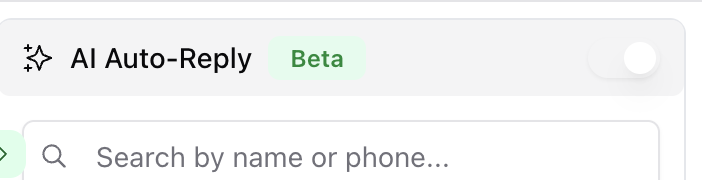 AI Auto-Reply is only available on premium plans. Make sure to toggle it on from your inbox screen.
You can start building your audience by:
* Adding contacts manually
* Importing a CSV
* Syncing from existing sources (coming soon)
Wapikit’s smart onboarding already created some sample **Lists** and **Tags** to help you get started.
Go to **Campaigns → Create Campaign**, pick your template, choose a list, personalize the content, and hit launch.
See the [Campaign Creation Guide](/guide/how-to-guides/how-to-create-a-campaign) to walk through each step.
Invite your teammates and assign the right roles using Wapikit’s Role-Based Access Control system.
Read the guide: [Create & Manage Roles](/guide/how-to-guides/how-to-create-and-assign-a-role)
***
## That’s it!
You’re now ready to:
* Let AI handle customer queries
* Send your first WhatsApp campaign
* Scale your operations with fewer resources
If you need help at any point, reach out at **[sarthak@wapikit.com](mailto:sarthak@wapikit.com)** or [join the community](https://community.wapikit.com).
AI Auto-Reply is only available on premium plans. Make sure to toggle it on from your inbox screen.
You can start building your audience by:
* Adding contacts manually
* Importing a CSV
* Syncing from existing sources (coming soon)
Wapikit’s smart onboarding already created some sample **Lists** and **Tags** to help you get started.
Go to **Campaigns → Create Campaign**, pick your template, choose a list, personalize the content, and hit launch.
See the [Campaign Creation Guide](/guide/how-to-guides/how-to-create-a-campaign) to walk through each step.
Invite your teammates and assign the right roles using Wapikit’s Role-Based Access Control system.
Read the guide: [Create & Manage Roles](/guide/how-to-guides/how-to-create-and-assign-a-role)
***
## That’s it!
You’re now ready to:
* Let AI handle customer queries
* Send your first WhatsApp campaign
* Scale your operations with fewer resources
If you need help at any point, reach out at **[sarthak@wapikit.com](mailto:sarthak@wapikit.com)** or [join the community](https://community.wapikit.com).